
Categories
Remote Working

How to Successfully Manage Remote Employees

The novel coronavirus crisis affects every aspect of life, from work to relationships. Companies from all around the world are shifting to remote work in an attempt to maintain social distancing. About three-quarters of professionals expect this new way of working to become standard.

Most employees feel comfortable working from home. A staggering 97% don’t want to return to the office full-time. More than 60 percent want to work remotely full-time.

As a business owner, you need to adapt to the new reality. For starters, it’s important to understand what it takes to manage remote employees and keep them engaged.

For example, you may use time management software programs to track employees who work from home. Or you can set up virtual offices and create and keep in touch with your staff via Zoom, Skype, or Google Meet. What matters most is to keep an open line of communication and adjust your strategy as needed.

Interested to find out more? Below are some of the best practices for remote employee management, so you might want to check them out.

Set Clear Expectations

First things first, be clear about your expectations. Set productivity standards, deadlines, and key performance metrics for every team and department.

If your employees don’t know what’s expected of them, they won’t be able to live up to your standards. That’s why it’s crucial to have clear policies on their work hours, key projects, deliverables, and other aspects.

Setting clear metrics for success is just as important. Let your staff members know how you’re going to measure their performance and results.

Schedule Regular Check-ins

One way to keep your staff accountable is to schedule regular check-ins. For example, you can ask your employees to submit weekly performance reports or attend virtual morning meetings.

Make an effort to communicate with your team on a daily basis. This would allow you to set goals for the day ahead and discuss project updates. Plus, you’ll be able to address their concerns in a timely manner.

Draft a Remote Work Policy

Develop and implement a clear remote work policy that outlines your expectations. This document should describe how the collaboration will work, how you plan to communicate, and more.

Consider the following aspects:

• Which roles are eligible for remote work
• Schedule requirements
• Employee response time
• Productivity metrics
• Security measures
• Remote work equipment and tools
• Ad hoc arrangements
• Client confidentiality
• Rightful termination

For example, most companies have strict policies regarding the use of public WiFi for work. Some require employees to use their own computers, while others provide them with the equipment they need.

Make sure you also mention what types of communication tools work best for one-on-one meetings, group meetings, performance reviews, and daily check-ins. Remote employees should have free access to these tools and get the training needed to use them properly.

Maintain Flexibility

Remote employee management requires a more flexible approach than traditional nine-to-five jobs. That’s particularly important for companies with employees across multiple time zones. StaffWizard’s Shift Management module can help with that.

Generally, employees who work from home have different habits than those working in physical offices. For example, they may need to drive their kids to school in the morning. Some may prefer to start work in the afternoon and stay up until late.

Take these aspects into account and avoid micromanaging your team. Keep your focus on accomplishments and empower mutual planning. Be clear about what you need and set deadlines, but allow your staff to work a flexible schedule.

Leverage Digital Technology

Provide your employees with the tools they need to communicate and stay productive. Since your team members are not under the same, you need to leverage digital technology to make things work.

Here are some tools you may want to use, depending on your company’s size and budget:

• Video conferencing software
• Project management software
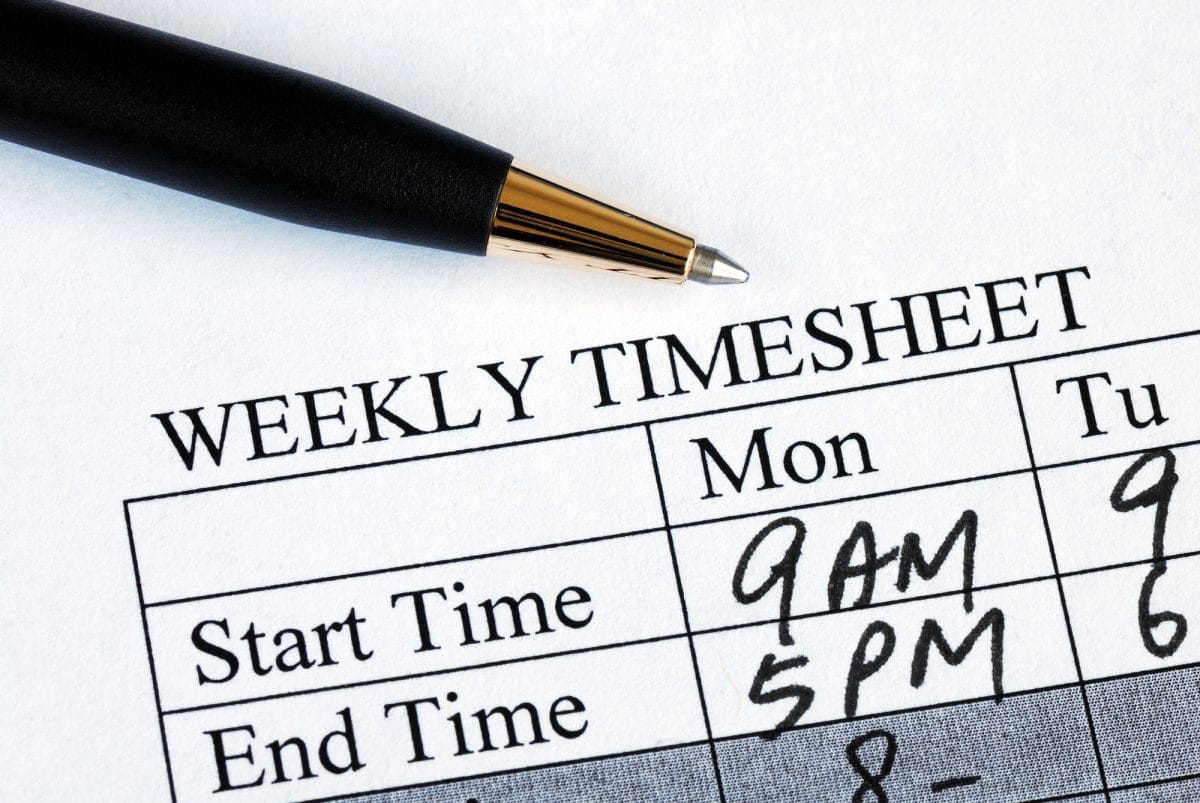
• Time-tracking software
• Team collaboration tools
• Screen sharing tools
• Cloud storage services
• Note-taking apps
• Accountability and reporting tools
• Help desk software
• Endpoint protection software
• Live chat

Sure, you don’t have to use all of these tools to keep your employees engaged and productive. Small businesses, for example, may only need a reliable video conferencing solution and time-tracking software.

What matters most is to create clear processes for collaboration and communication. Slack, Asana, and other collaboration tools make it easier to share files, chat live, share updates, and keep track of projects.

Encourage Remote Social Interactions

Working from home has its drawbacks. Your team members may feel lonely, isolated, or depressed, which can affect their productivity. Some may live in tiny studios or shared apartments that are just not suitable for work.

The Atlantic reports that full-time remote work fuels depression and affects happiness. These feelings can have a negative impact on job satisfaction, work performance, and employee well-being.

As a manager, it’s in your power to mitigate workplace isolation. First of all, make an effort to provide ongoing individual support. Second, encourage remote social interactions on Zoom and other online platforms.

For example, you could plan virtual happy hours to keep your staff engaged and motivated. Virtual board games, virtual tours, and trivia contests are all great choices. You may also encourage your employees to engage in virtual competitions or play icebreaker games.

These activities may seem a bit forced, but they encourage team bonding and communication. Plus, they’re just plain fun!

Get the Tools You Need to Manage Remote Employees

Managing a remote team comes with its share of challenges. Social isolation, distractions, and miscommunication are just a few to mention.

The new way of working requires a learning curve. The best thing you can do is to keep an open mind and think outside the box. Invest in the best tools and technologies, set clear expectations, and foster accountability.

Remember, you are not alone in this journey. StaffWizard provides the tools you need to manage remote employees and achieve peak performance. Contact us today to discuss your needs and find the right payroll solution for your business!
Categories
Time Tracking

A Guide to Employee Time Tracking

Your employees are your most important asset but without the right tools in place, they can also be your most frustrating business problem.

You may not realize it, but employee time tracking is a critical part of every business. It’s important to know how much employees are working and what they’re doing to be able to manage your payroll and HR systems effectively.

But with all the options out there for worker time tracking, which one should you use?

In this blog post, we’ll explore some of the best time tracking options available for employees and contractors so you can find the ideal solution for your company!

How Can I Track My Employee’s Time?

In the past, employees punched in and out using a physical timeclock card system. Punch cards and other manual tracking systems may still exist for older businesses or smaller companies with fewer resources; however, these antiquated methods can be tedious and time-consuming.

In our work environment today. things are not as simple. But there are other more flexible options available that can simplify your work.

How Can I Monitor Remote Workers?

Remote working is here to stay, and not just because it’s the most convenient option.

Remote work has saved time for businesses and employees in ways that aren’t always obvious from a business standpoint:

If you’re in charge of a remote work environment, our labor time tracking and attendance solutions are perfect for keeping your employees accountable. With this solution, they’ll be able to keep track of their own hours worked, saving them time and saving the business money!

How Can I Track Employee Productivity?

Having your employees track their hours worked is a good place to start when it comes to understanding employee productivity.

But what are some other ways you can measure employee productivity? Being able to analyze what your employees do, and how they go about performing their tasks, is one of the best ways to monitor productivity.

It will give you a clear understanding of where your employee productivity needs improvement, and it can also help to measure how much work they’re being assigned. It can even go so far as to tell you if an employee has been putting in enough hours at their job or not.

This means that you’ll be able to accurately assess how much time they are spending on different tasks as well as the quality of work they’re doing. This helps you make better decisions for your business in terms of scheduling, promotions, and possible termination.

What Is the Best Employee Time Tracking Software?

The best employee time tracking software for your business depends on what you’re looking to achieve.

A good employee time tracker can be used in a wide variety of ways, depending on the size and type of business.

If payroll is an important issue for your company, then you’ll need more than just labor management. You’ll also likely want something with more robust features like:

  • Remote work
  • Time tracking software
  • HR management integration
  • Onboarding software
  • Shift management
  • Learning management systems (LMS)

Let’s face it. It’s difficult to run a business. You’ve got hiring, onboarding, and retaining talent on your mind every day.

But who has time to control this with pen and paper or a host of linked spreadsheets?

An integrated payroll solution for hiring, onboarding, and retaining team members is essential so you can focus on running your company. Cloud-based employee management software is the most efficient, cost-effective way to take care of all your HR needs.

And with our affordable payroll solution for small businesses, you’ll be up and running in no time at all. It’s everything you need in one place: labor management, employee scheduling, time tracking, shift management, onboarding, and LMS.

What Is Work Scheduling Software?

Scheduling software comes in a variety of styles to suit different business needs. Cloud-based scheduling software can be accessed from any computer or smartphone to manage employee time. It can also help you automate your scheduling, freeing up more of your important resources for other aspects of the business.

Employees can use this software to record their work activity by type or customer and access their schedule in real-time.

Temporary or contract workers coming from staffing agencies can also be included in your scheduling software with a little induction and training.

Some of the features offered by work scheduling software include:

  • Access to employee schedules and overtime availability
  • HR management tools for employees
  • Alerts when there is a conflict with time-off requests or conflicting shifts
  • Automated shift management
  • Time tracking that can be integrated with payroll systems

Employee Management Software

In the age of remote work and digital staffing, employee management software plays a significant role in the success or failure of your organization. Employees need tools to manage their time more efficiently and conveniently while employers must have visibility into all aspects of how employees are performing.

An integrated HR software structure is needed in our post covid business climate. It is essential that all employees are tracked and have the same opportunities for learning whether they work in the office, on the road, or in other remote locations.

Putting a management system in place can also help in employee retention, by providing visible management opportunities for employees that may not have been appreciated or recognized until now.

The Perfect Solution for Small to Medium Companies

Business owners and personnel managers are looking for a flexible all-in-one payroll solution that will work for them and their employees.

The real needs of managing your labor force can be fulfilled by our all-in-one staffing and payroll solution. This includes everything from Payroll and onboarding, to Dispatching and Scheduling. We even offer a built-in LMS to make the onboarding and new hire process a cakewalk.

All of these are available in an integrated package to provide the best possible (and most affordable) solution for your business needs.

Our inclusive HR management software will allow you to customize your employee time tracking and other data so that it is accurate and relevant at all times.

The most important thing to any company is growth and success. In order for a business to grow it needs talented individuals who are committed to the long-term success of the company. And in order to attract and retain talented workers, you need a great payroll and HR solution.

Check out what StaffWizard can offer your business to stay ahead of the pack.

Get a free payroll quote today and see your savings!

Cheap Payroll Service Quote